


Computing
Computing at Minterne
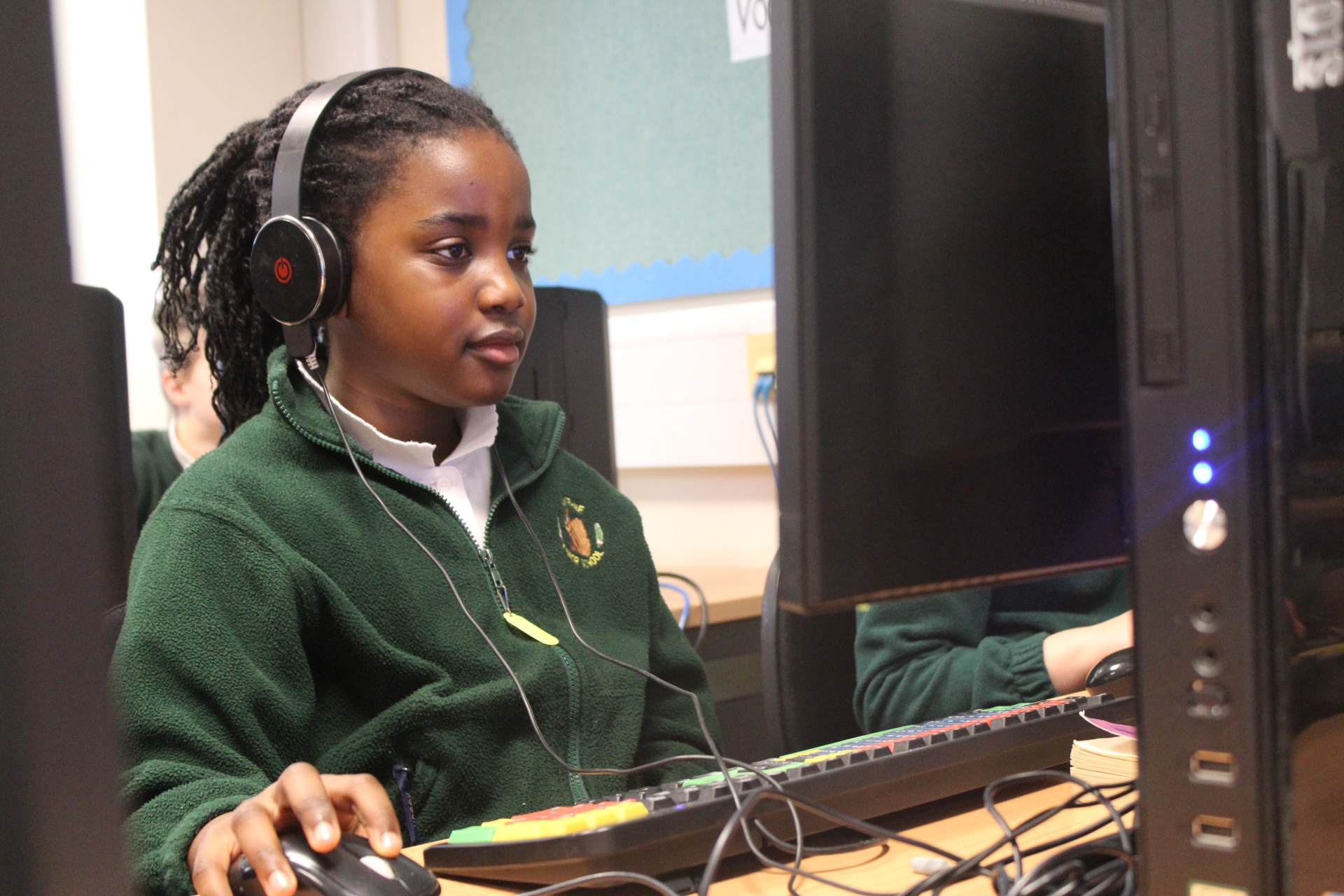
Our Computing Intent
Minterne's Computing curriculum is designed to enflame children's curiosity and creativity so that they embrace technology, and develop a safe, positive relationship with the ever-developing digital world around them.
We intend to:
- Cultivate 'Digital Agency': Children are taught to advocate for themselves, so that they develop a positive relationship with technology; harnessing its opportunities, whilst using critical-thinking skills to manage risks responsibly and appropriately.
- Develop Computational Logic: We provide a solid foundation in coding and sequencing. By mastering Logo, Scratch, and Micro:bit, children learn how to give precise instructions to machines, building the problem-solving skills and technical fluency needed for secondary school and beyond.
- Build Digital Literacy: We navigate the fundamental building blocks of Computer Science, Programming, Data, Media, and Modelling. By integrating these areas, children’s understanding and manipulation of technology becomes second nature, empowering them to both interpret and shape the digital world around them.
- Connect Learning Across the Curriculum: We apply the logical, investigative, and design skills from Maths, DT, and Science directly to our computing projects. In return, technology provides the real-world context and practical tools to explore those subjects further.
“A high-quality computing education equips pupils to use computational thinking and creativity to understand and change the world.” - National Curriculum
Implementation: How We Teach Computing
At Minterne, Computing is taught through dedicated sessions (two lessons in a three-week cycle) and used across other subjects to support learning.
-
A Tailored Journey: We use the National Centre for Computing Education (NCCE) framework as our base, but we tailor every unit to make sure it builds on what the children already know.
-
Independence: In Years 5 and 6, we use self-study units. This allows children to work at their own pace and helps them develop the independent habits they’ll need for the future.
-
Beyond the Classroom: We believe technology should be a bridge to learning, not a barrier. Our Typing Club helps children get comfortable with a keyboard and improves their fine motor skills, ensuring they can use laptops effectively in every lesson.
-
Year 3 Curriculum Map
download_for_offline
download_for_offlineYear 3 Curriculum Map
- Year 4 Curriculum Map download_for_offline
download_for_offlineYear 4 Curriculum Map
- Year 5 Curriculum Map download_for_offline
download_for_offlineYear 5 Curriculum Map
- Year 6 Curriculum Map download_for_offline
download_for_offlineYear 6 Curriculum Map
Digital Showcase
Please enjoy some of the incredible work that the children have produced in their Computing lessons.
Year 6 - Programming
As part of programming lessons using Scratch, the children were taught about 'variables' and 'if/then statements'. We then explored how these elements could be used as part of their programs to create engaging games.
'Space Bounce' by Hilary
Playable on any device.
Instructions: Move the mouse across the screen to control the paddle. Try to keep the Earth bouncing in the air for as long as possible.
'Fish Catch' by Tristan
Desktop/Laptop only.
Instructions: Use the left and right arrows to catch the falling sea creatures in the fishbowl and gain as many points as you can! BEWARE: Not all animals are friendly!
Year 4 -Audio Production
In Term 2, the children used their research to create a podcast about the Ancient Romans. Each had a presenter to introduce the show, and a panel of experts to each share a fun fact about the Romans from their Topic lessons. The children then edited their recordings and added music to create a complete mini podcast. Please enjoy.
'Horrible Histories'
'JBC Podcast'
'Roman Podcast'
🔗 External Links ×↑ - Year 4 Curriculum Map download_for_offline


